Be the One. Sign the petition. Restore the Gulf.
Thursday, July 22, 2010


Saturday, January 2, 2010

Monday, April 27, 2009
Standard Mat and Frame Sizes
I'm doing some research as I prepare to buy mat board for my photography class portfolios...
For a 13x19 print, the standard mat/frame size is 18x24.
For an 8 1/2 x 11 print, the standard mat/frame size is 11x14 or 16x20.
Now, off to decide where to buy mat board from, since my school doesn't sell it cheaply anymore!
For a 13x19 print, the standard mat/frame size is 18x24.
For an 8 1/2 x 11 print, the standard mat/frame size is 11x14 or 16x20.
Now, off to decide where to buy mat board from, since my school doesn't sell it cheaply anymore!
Friday, February 20, 2009
BOGO on Epson Photo Papers
Epson's got a sale going on - buy one, get one free on all of their photo papers. Their 5 star papers are gallery-quality archival papers, and in my photog class we just concluded a month of print testing. The Ultra Premium Luster from Epson is a gorgeous paper. Wilhelm rates their papers for great permanence, particularly when used with Epson inks. Here's the rating sheet of the Epson R1900 with Epson papers. (PDF file)
At any rate, if you're in the market for some photo paper, the offer expires Feb 23 and use Discount Code 9YFASE at checkout (make sure you put 2 of the paper you want in your cart to begin with).
Shop Epson's papers
This works for all papers - I just finished biting the bullet and ordered a full set of replacement inks for my printer (asta la vista, $100, but I'm re-focusing my eBay efforts so hopefully this will turn out profitable), and grabbed a box of large format Luster paper while I was at it - 2 boxes now, since one is free.
They also have free ground shipping if you order ink, and the two offers DO stack if you order both paper and ink. Not bad, since paper is heavy and shipping can get pricey.
Go forth and shop!
At any rate, if you're in the market for some photo paper, the offer expires Feb 23 and use Discount Code 9YFASE at checkout (make sure you put 2 of the paper you want in your cart to begin with).
Shop Epson's papers
This works for all papers - I just finished biting the bullet and ordered a full set of replacement inks for my printer (asta la vista, $100, but I'm re-focusing my eBay efforts so hopefully this will turn out profitable), and grabbed a box of large format Luster paper while I was at it - 2 boxes now, since one is free.
They also have free ground shipping if you order ink, and the two offers DO stack if you order both paper and ink. Not bad, since paper is heavy and shipping can get pricey.
Go forth and shop!
Blogged with the Flock Browser
Thursday, February 5, 2009
Photography, Copyright, and the Iconic Obama Poster
The now-infamous "Hope" and "Progress" posters of Barack Obama - the red, white, and blue ones depicting a photo of Obama looking off into the distance - were based on a photograph taken by Mannie Garcia. Artist Shepard Fairey used the photograph to make the posters, and has made quite a chunk of change from them, while Garcia fights to even earn recognition for taking the photo in the first place.
Interesting read. This seems to be an eternal challenge for photographers.
10 Questions for Mannie Garcia
Interesting read. This seems to be an eternal challenge for photographers.
10 Questions for Mannie Garcia
Blogged with the Flock Browser
Wednesday, September 17, 2008
Not Enough Disk Space to Install XP Service Pack 3 on a Mac
I've been trying to update my Windows XP installation to Service Pack 3 for 2 hours now. It keeps telling me that it needs 4MB more disk space. FOUR MEGS! I have 10 gigs free!
Here's the glitch: it's not about how much free space I have. It's about the fact that I'm running XP on a Mac with BootCamp - specifically, the MacBook Pro laptop. Apparently, this also happens on the Intel based iMac's.
The error message:
The solution lies in the fact that Intel Mac's use the EFI format, which Windows does not support. (Feel free to Google more about EFI - all I know is, the solution I found on WindowsReference.com solved the problem for me!)
The fix:
1. Click Start - Run - Type regedit and press enter.
2. Navigate to
[HKEY_LOCAL_MACHINE\Software\Microsoft\Windows\CurrentVersion\Setup]
3. In the right pane, right-click and choose New - String value
4. Name it BootDir and set its value to C:\
5. Exit regedit.
Re-try your SP3 installation, and all should be right with the world.
Here's the glitch: it's not about how much free space I have. It's about the fact that I'm running XP on a Mac with BootCamp - specifically, the MacBook Pro laptop. Apparently, this also happens on the Intel based iMac's.
The error message:
There is not enough disk space on C:\WINDOWS\$NtServicePackUninstall$ to install Service Pack 3 Setup requires an additional 4 megabytes of free space or if you also want to archive the files for uninstallation. Setup requires 4 additional megabytes of free space. Free additional space on your hard disk and then try again.
The solution lies in the fact that Intel Mac's use the EFI format, which Windows does not support. (Feel free to Google more about EFI - all I know is, the solution I found on WindowsReference.com solved the problem for me!)
The fix:
1. Click Start - Run - Type regedit and press enter.
2. Navigate to
[HKEY_LOCAL_MACHINE\Software\Microsoft\Windows\CurrentVersion\Setup]
3. In the right pane, right-click and choose New - String value
4. Name it BootDir and set its value to C:\
5. Exit regedit.
Re-try your SP3 installation, and all should be right with the world.
Sunday, September 14, 2008


Thursday, September 11, 2008
Project 365: Sept 11, 2008

Printing a giant version of Bunny Nose for a client. That is one big bunny nose!
Blogged with the Flock Browser
Sunday, September 7, 2008
Project 365: Sept 7, 2008

Sunday Night Football, Bears vs Colts.
Sadly, it's not looking good for my boy Peyton - but, I can tell everybody that I was rooting against the Bears so they'd win! (That's my luck!)
Photo by the iSight on my MacBook Pro. :)
Blogged with the Flock Browser
Saturday, September 6, 2008


Friday, September 5, 2008
Project 365: Sept 4, 2008

PHOTO180 - Project #1: Correct a photo for color balance, levels, curves, and shadow/highlights using only global correction tools in Image > Adjustments. (Photoshop)
My particular challenge was in lightening the field without blowing out the sky.
I'm not too pleased with the shade of green in the field, but using only the tools we're supposed to use, I just couldn't get it to where I wanted it without losing the sky. And, I'm not much for cheating, so... this is it.
Blogged with the Flock Browser
Thursday, September 4, 2008
Project 365: Sept 3, 2008

A poster I made for my friend and photog professor's upcoming photo exhibit. See the photography of Carol Thorner at her show: "What Will People Think? (and other concerns)" at The Center for Visual & Performing Arts in Munster, Indiana. Sept 12 to Oct 19.
Come out and meet Carol at the artist reception on Sept 19, 6-9pm.
Blogged with the Flock Browser
Tuesday, September 2, 2008
Project 365: Sept 2, 2008

Two firsts - the first time I've printed a 13x19" document on my new Epson R1900 printer, and the first project for my ART101 class (due tomorrow morning!) Don't mind the dust on the printer... ahem... it has since been cleaned. Good thing I store the printer all closed up! :)
Blogged with the Flock Browser
Monday, September 1, 2008
Project 365: Sept 1, 2008

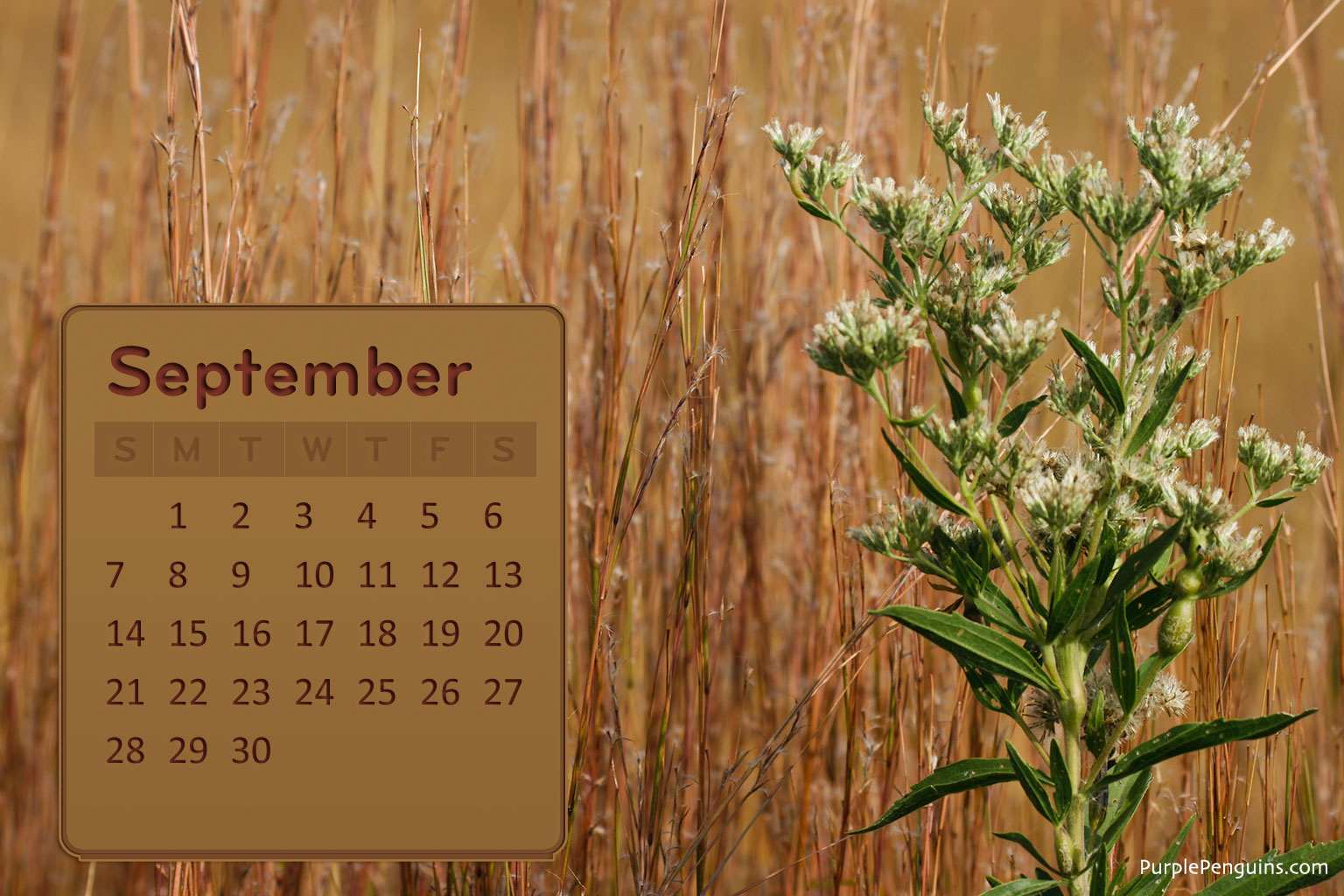
Free September 2008 Desktop Calendar
Download the large size here:
farm4.static.flickr.com/3018/2820256482_95b57447e0_o.jpg
Blogged with the Flock Browser
Sunday, August 31, 2008

Saturday, August 30, 2008

Thursday, August 28, 2008
Project 365: Aug 28, 2008

Project #1 (draft) for ART101
(Note: this is a fictional event, though I'd like to see it happen!)
Blogged with the Flock Browser
Tuesday, August 26, 2008

Subscribe to:
Posts (Atom)



 Digg/phlyersphan
 Flickr/phlyersphan
 Myspace/phlyersphan
 YouTube/phlyersphan
 Last.fm/phlyersphan
 Del.icio.us/phlyersphan
 GMail/phlyersphan
 Technorati/phlyersphan
 Geek Blog/geekgoesmeow
 Yahoo/hellaholdem
 Photography Blog/photoN00b